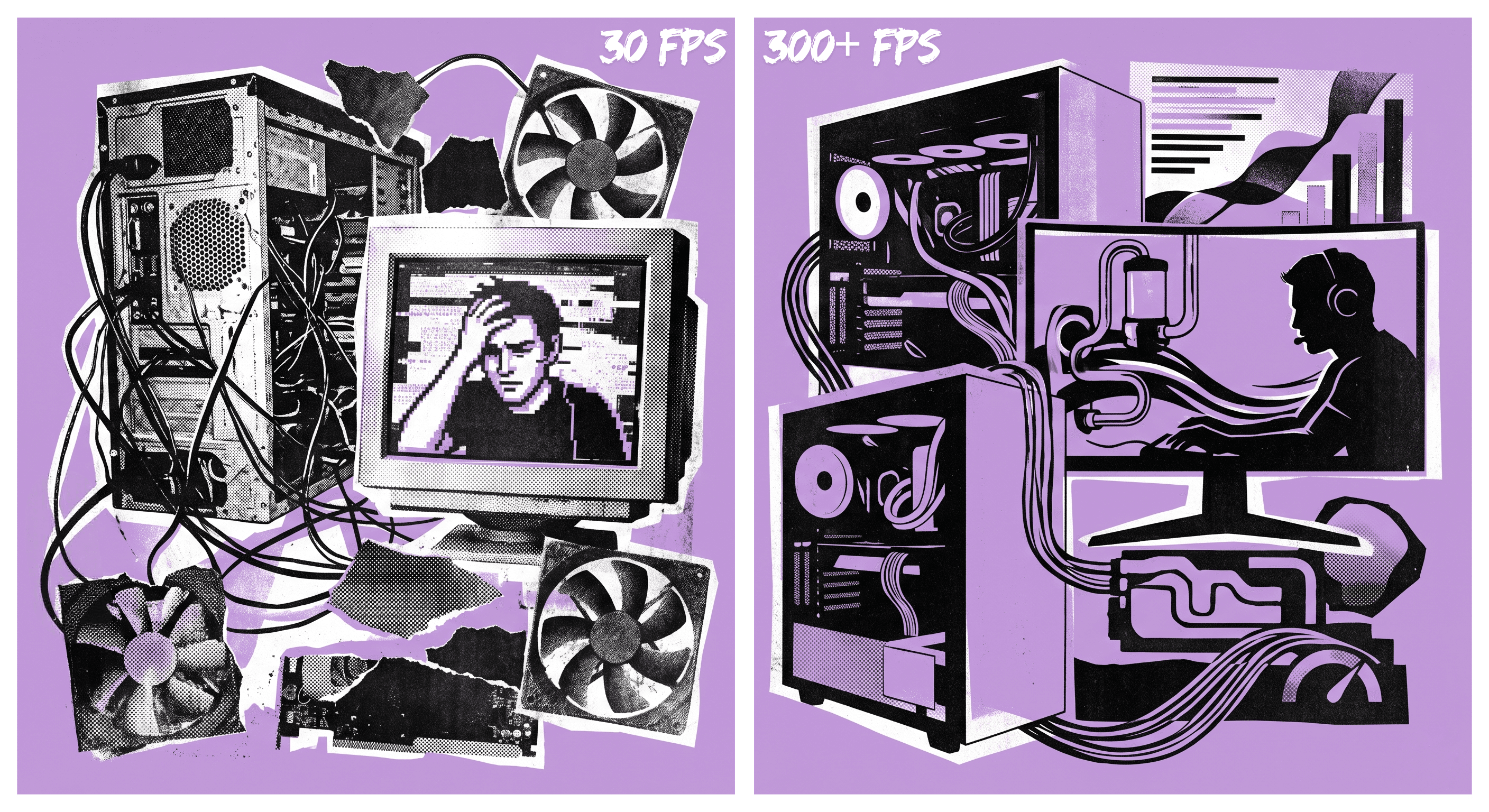
See The FPS Difference
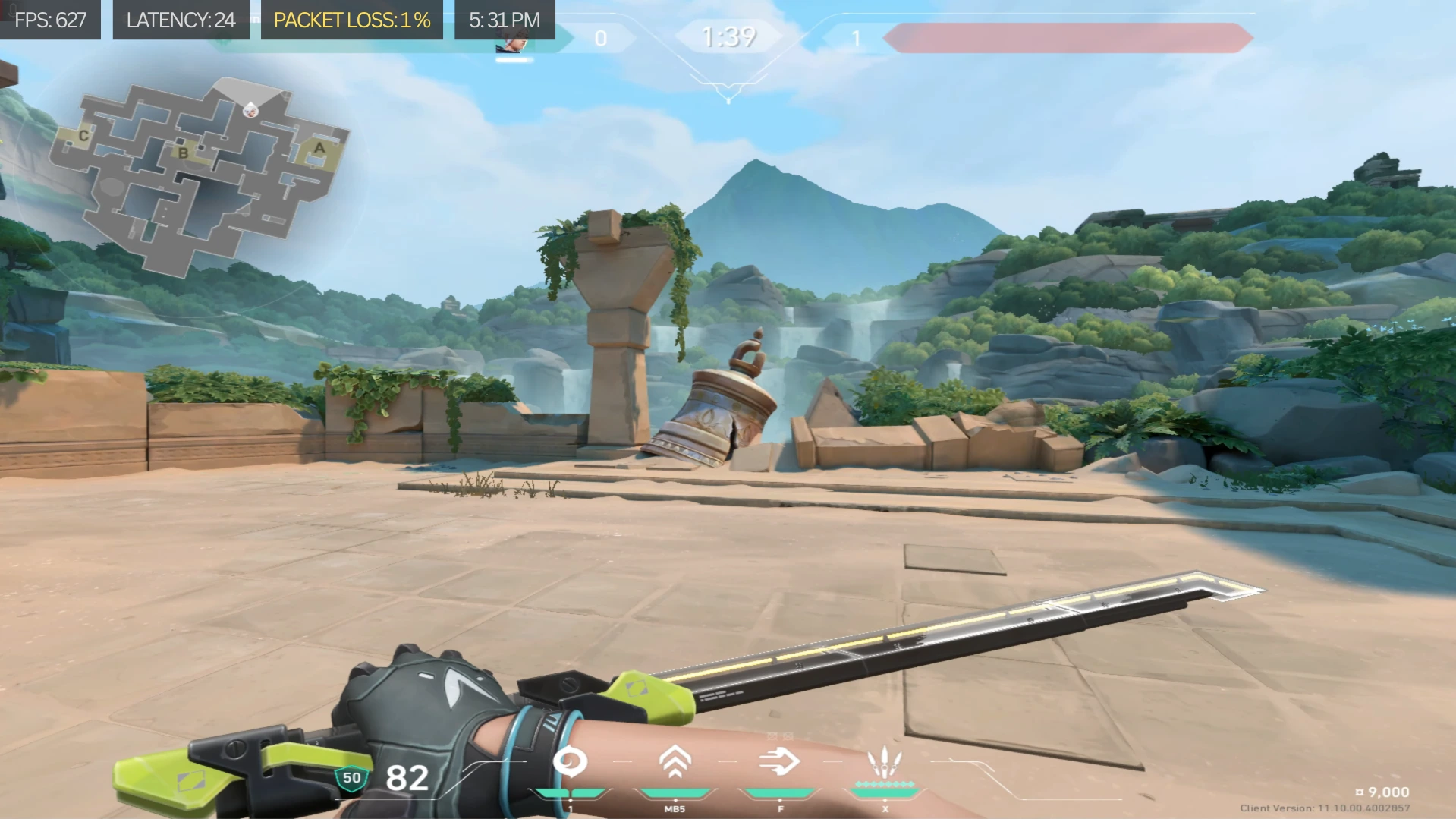
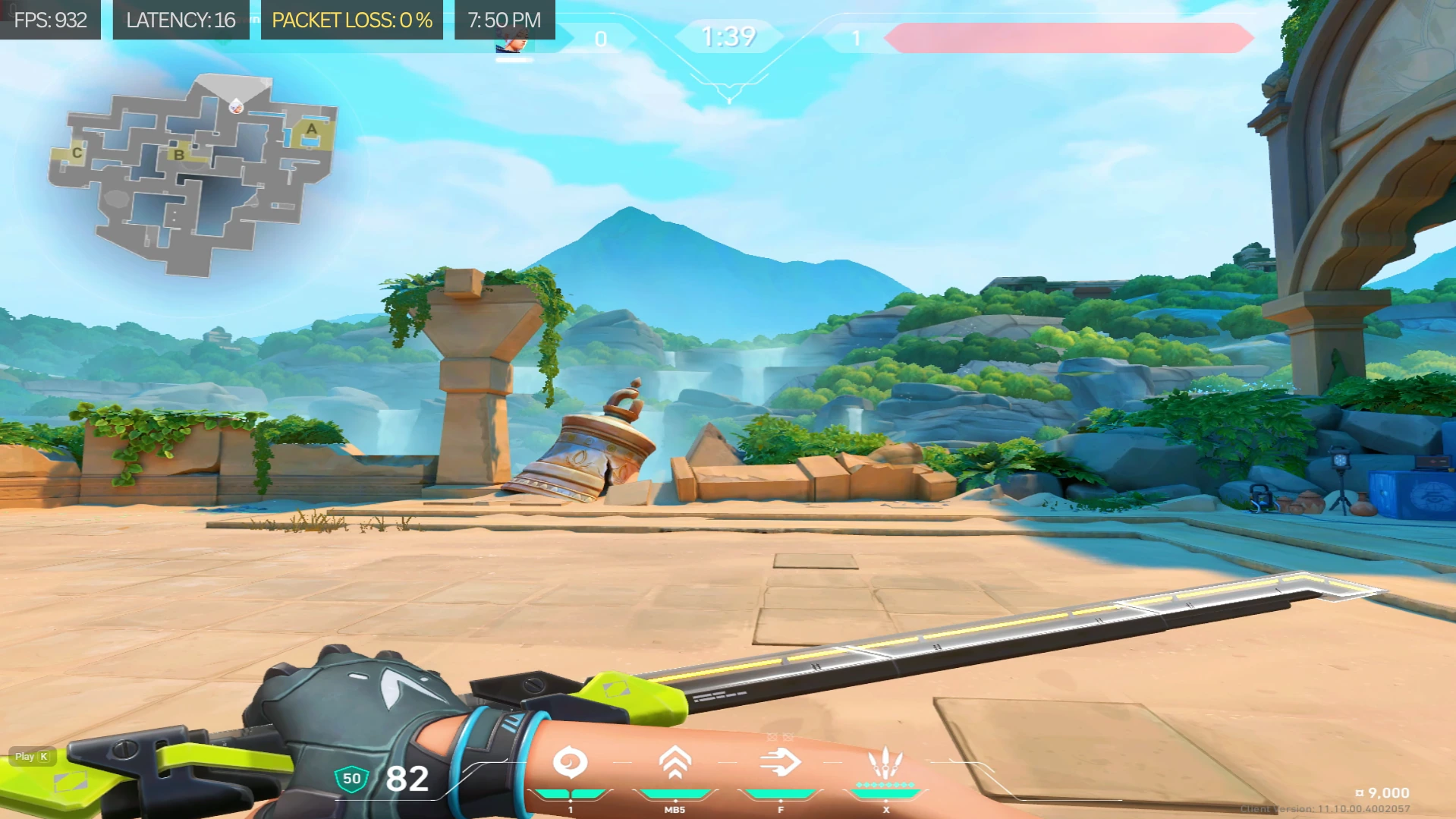
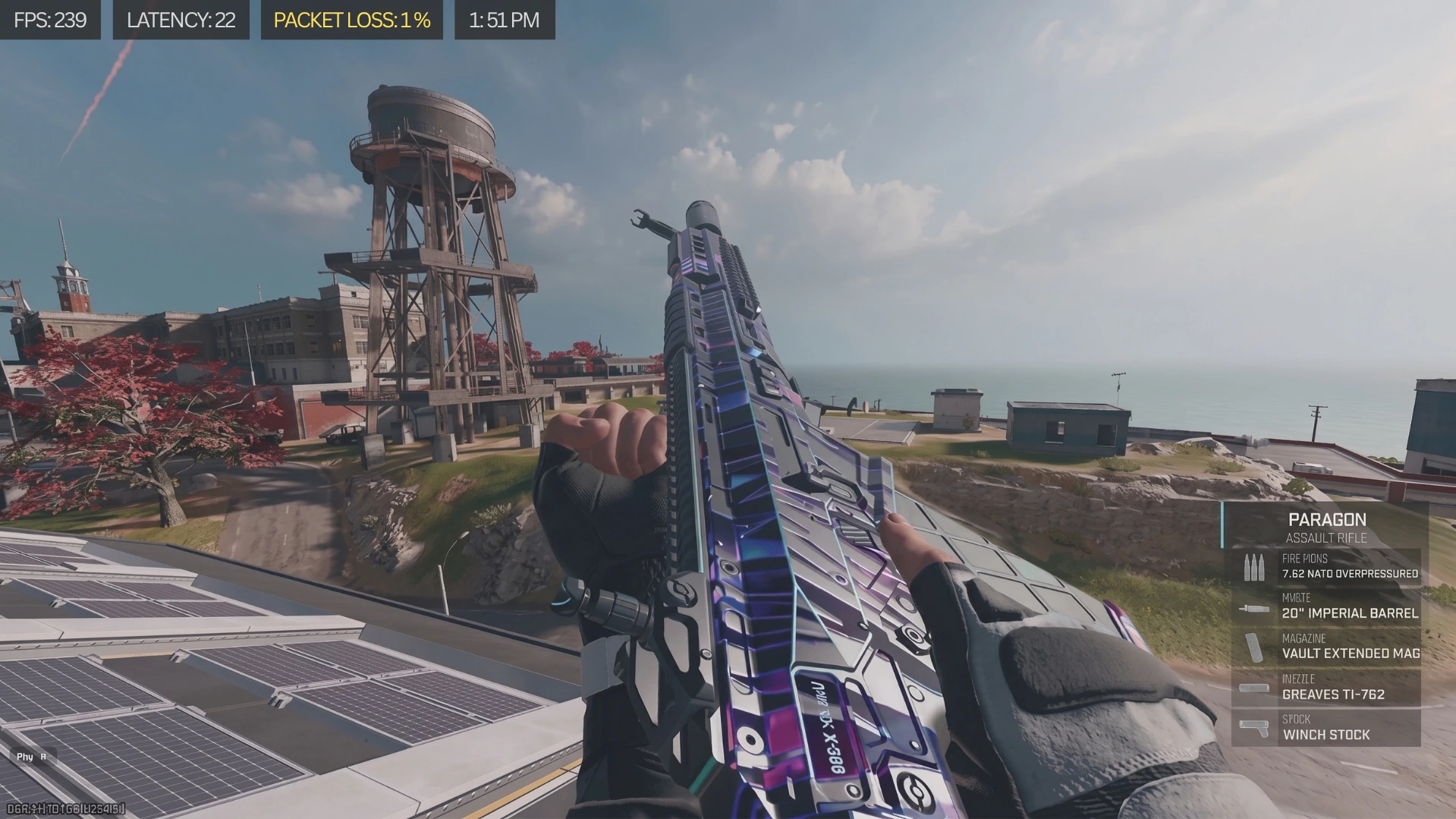
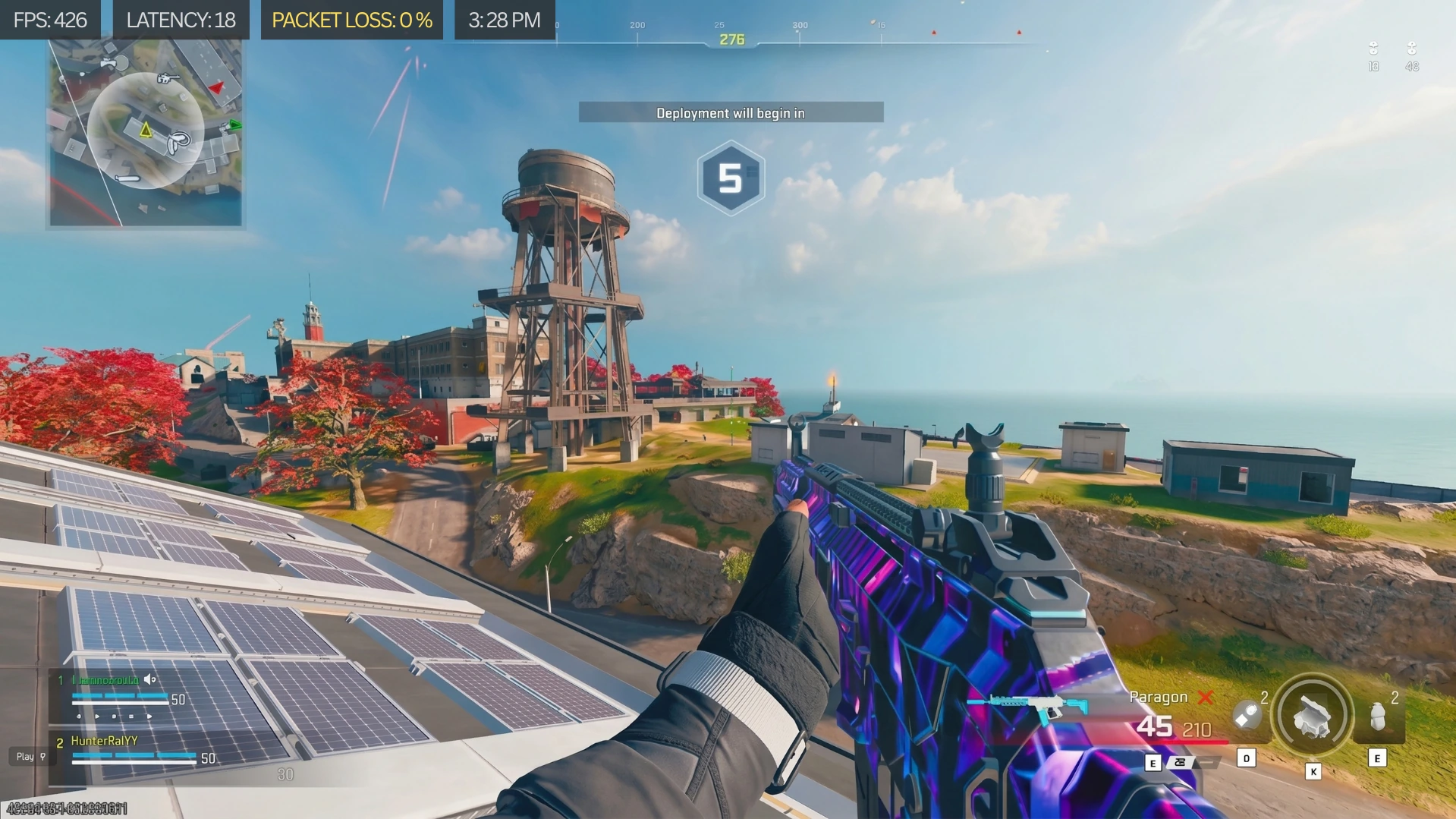
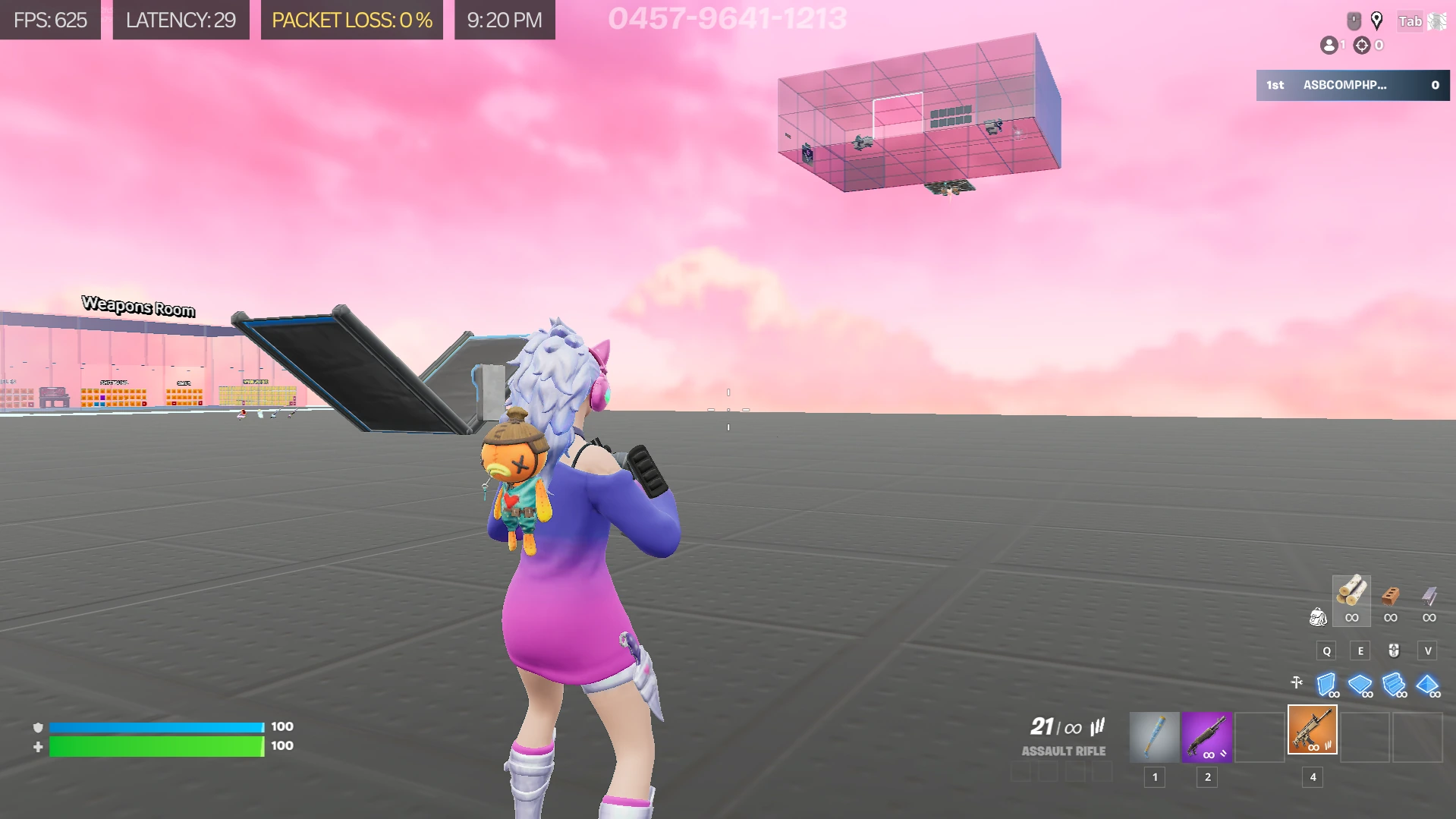
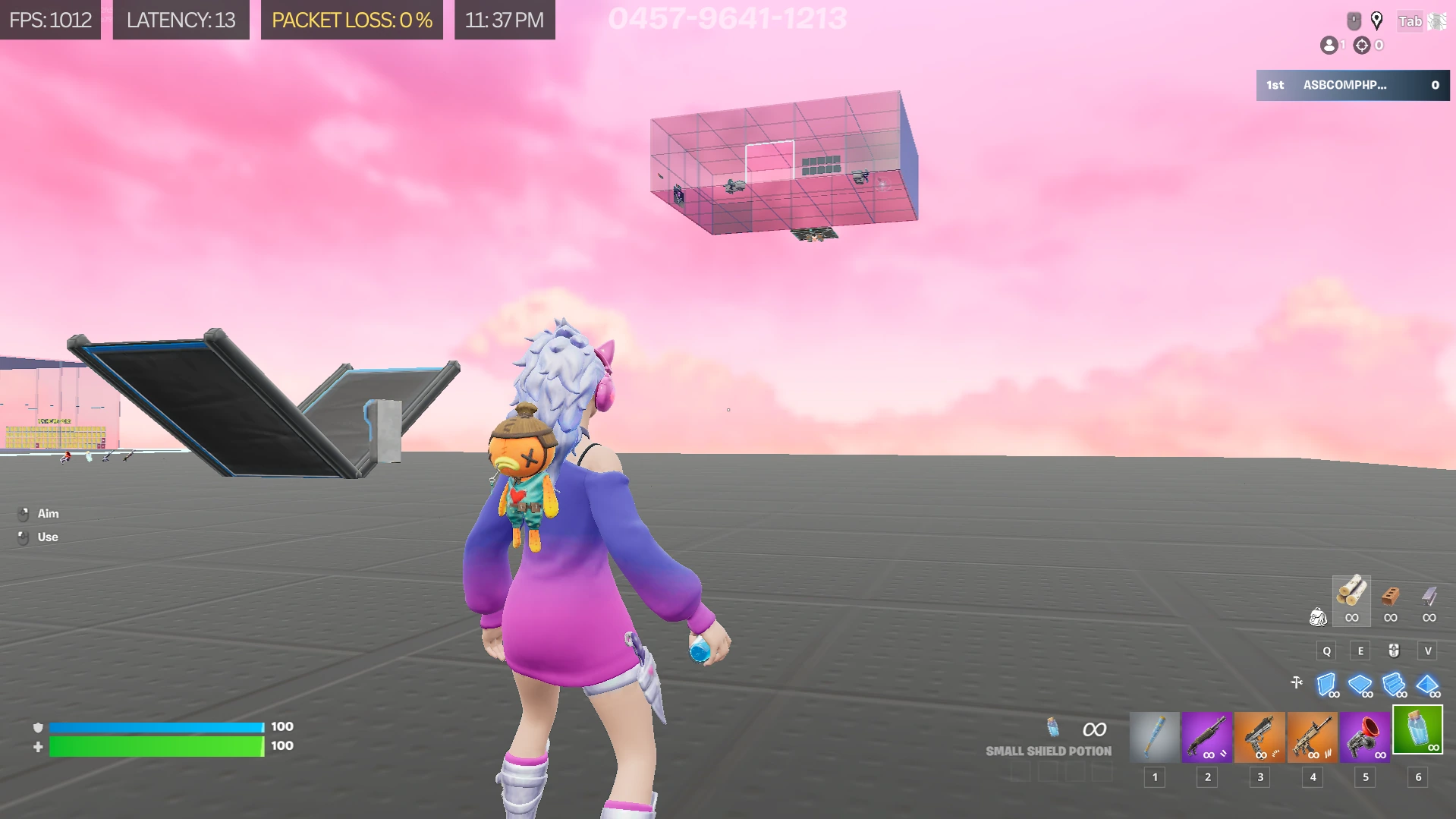
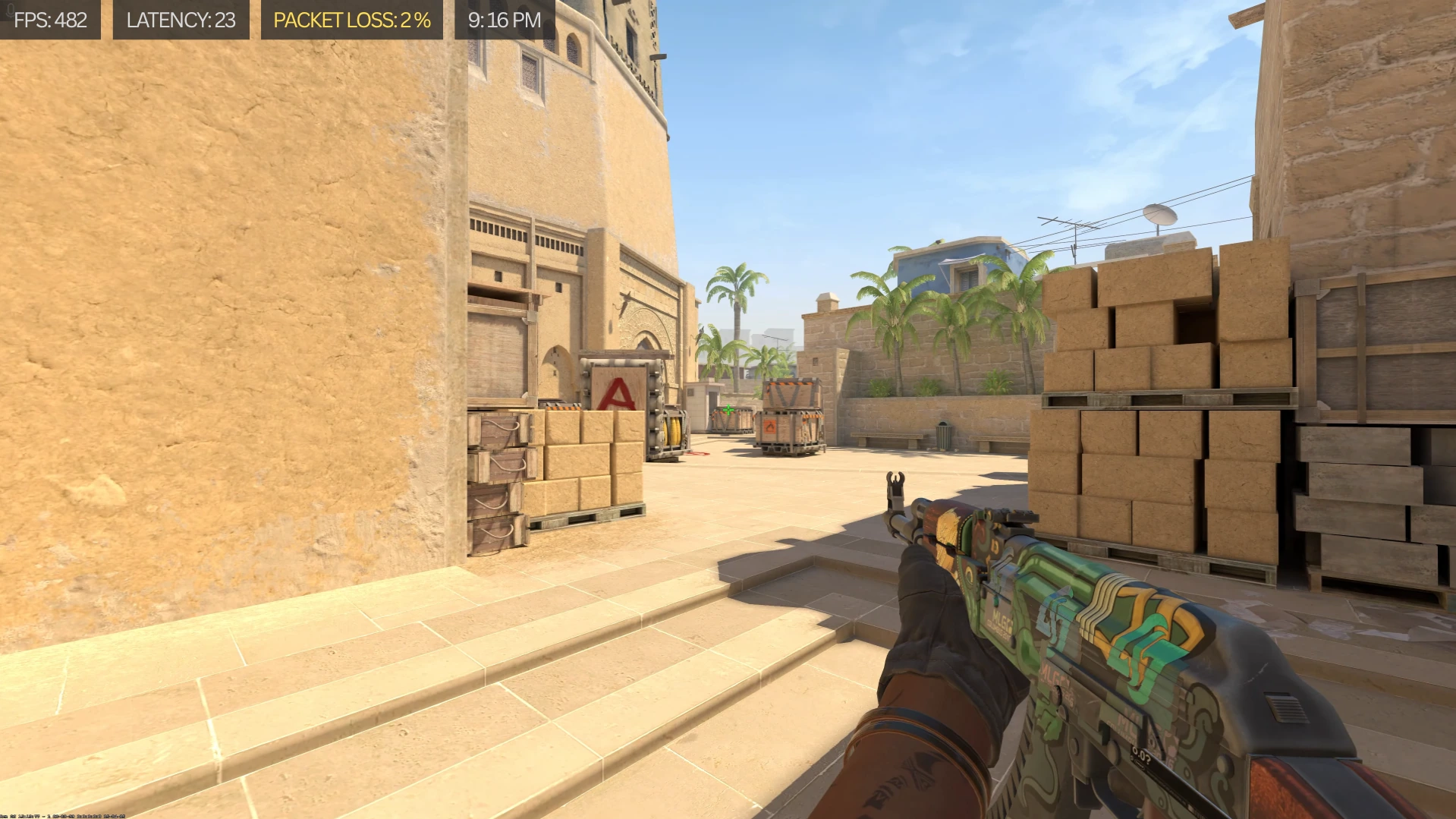
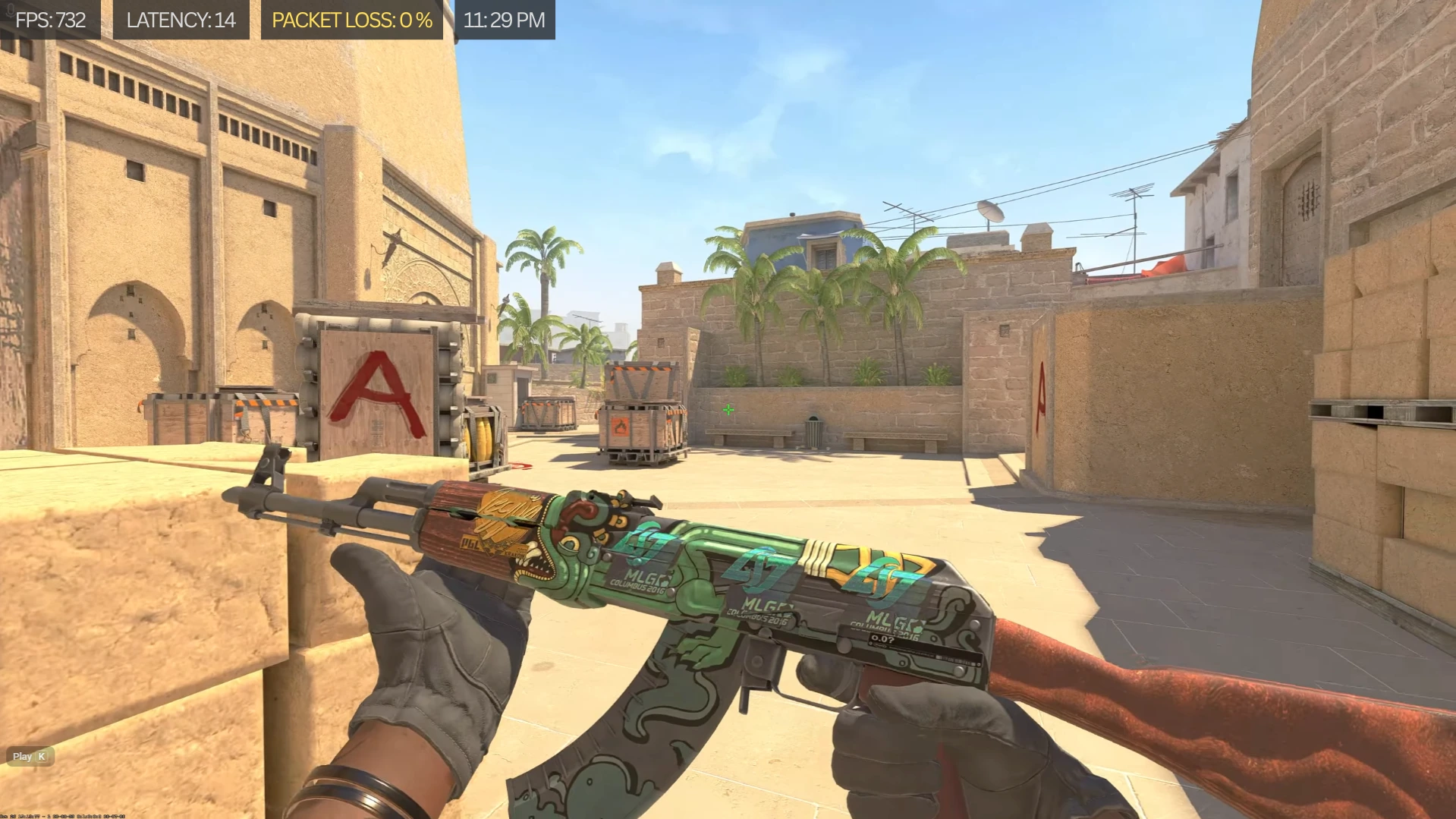
Verified Gaming PC Optimization & Windows Optimization FPS Boost Benchmarks
Across 3,000+ optimized gaming PCs, ASB Gaming's 1-on-1 manual PC optimization service, Windows 10/11 optimization, BIOS tuning, and CPU/GPU overclocking deliver an average 40% to 80% FPS boost while eliminating micro-stuttering, fixing screen tearing, and reducing input delay:
- Call of Duty: Warzone FPS Boost: Manual Windows optimization, worker thread renderer count tuning, BIOS RAM timings, and CPU/GPU overclocking significantly increase average FPS and 1% lows while fixing Warzone stuttering and packet-burst frame drops.
- Counter-Strike 2 (CS2) FPS Boost: Documented client case studies boosting CS2 from 150 FPS to 500+ FPS (and up to 1,000 FPS on Ryzen X3D builds) by resolving BIOS reset bottlenecks, power plan throttling, and DPC latency spikes.
- Valorant FPS Boost: Sub-millisecond frame pacing, reduced render latency, and 500Hz+ competitive refresh rate stability through manual Windows service debloating and CPU core affinity optimization.
- Fortnite FPS Boost: Performance Mode and DirectX 12 shader cache tuning, GPU driver debloating, and 1000Hz controller overclocking (controller OC) to fix game stuttering and achieve zero input delay in stacked endgames.
What Makes Us Different
"Unlike generic PC optimization software for gaming that runs automated scripts, our experts provide 1-on-1 manual tuning tailored to your specific hardware."
No Scripts
No premade scripts or risky registry edits. Every change is customized to your hardware and gaming setup.
Full Transparency
You see everything I do on your screen and can ask questions anytime.
Real-time Connection
I join you on Discord within an hour (unless I'm asleep 😄), and your PC is fully optimized within 24 hours.
Pro-level Tuning
CPU, GPU, RAM, and Windows tweaks tailored for your system not a generic script.
Guaranteed Smoothness
I don't leave the call until you confirm that everything feels fast, stable, and responsive.
What We Optimize in Windows 11, Windows 10, BIOS & Gaming Hardware
Our 1-on-1 manual PC optimization service and Windows optimization process tunes every layer of your system live on Discord to deliver maximum FPS boost, fix game lag, fix game stuttering, eliminate screen tearing, and reduce input delay:
Windows Optimization (Windows 11 & Windows 10 for Gaming)
- Custom Ultimate Performance Windows power plan tuning with CPU core parking disabled and minimum processor state optimization.
- Safe Windows debloating: disabling unnecessary background services, Windows telemetry, scheduled tasks, and startup bloatware without breaking Windows Updates or Xbox/Microsoft Store services.
- DPC latency and ISR reduction: configuring MSI Mode (Message Signaled Interrupts) and interrupt affinity policy binding for GPU, USB host controllers, and network controllers.
- Windows memory and registry tuning: SysMain, NDU, MMCSS multimedia class scheduler gaming priority, timer resolution, and pagefile optimization.
- Display and graphics pipeline tuning: Hardware-Accelerated GPU Scheduling (HAGS), Game Mode, Fullscreen Optimizations, DirectX shader cache, and G-Sync / FreeSync frame pacing alignment to fix screen tearing.
- Network adapter and TCP/IP optimization: Nagle's algorithm, interrupt moderation, receive side scaling (RSS), and bufferbloat reduction to fix game lag.
- Clean PC Windows Installation Service & Setup for new builds or corrupted operating systems.
BIOS & Firmware Optimization
- Memory frequency and timing configuration: enabling and stabilizing DDR4/DDR5 XMP or EXPO profiles and tuning primary and secondary RAM timings.
- CPU firmware tuning: AMD Precision Boost Overdrive (PBO2), Curve Optimizer per-core undervolting, Intel Turbo Boost power limits (PL1/PL2), and CPU load-line calibration.
- Platform latency features: Resizable BAR (ReBAR) / Smart Access Memory (SAM), Above 4G Decoding, Global C-States, CPPC Preferred Cores, and PCIe Gen link speed locks.
CPU & GPU Overclocking (PC Overclocking) and Undervolting
- Per-chip manual CPU overclocking and CPU undervolting with thermal and stability stress testing.
- Custom GPU overclocking and GPU undervolting voltage/frequency curve tuning for higher sustained boost clocks and lower temperatures.
- Clean display driver installation using DDU and NVCleanstall, paired with competitive NvProfileInspector / AMD Adrenalin low-latency driver profiles.
Game-Specific FPS Boost, Stutter Fix & Controller OC
- Custom game engine configuration files (.ini and .cfg) and worker thread tuning for Modern Warfare 4 (MW4) FPS boost, Call of Duty & Warzone FPS boost, Fortnite FPS boost, Counter-Strike 2 (CS2) FPS boost, Valorant FPS boost, ARC Raiders PC optimization, Overwatch 2 FPS boost, Apex Legends FPS boost, League of Legends (LoL) FPS boost, World of Warcraft (WoW) raid FPS optimization, and GTA FiveM / GTA 6 PC optimization.
- Live hardware and frame-time diagnostics via PC Game Crash & Stutter Fix Service to fix game stuttering, 1% low FPS drops, and instant desktop crashes.
- 1000Hz USB polling rate controller overclocking (controller OC) and USB port interrupt tuning to improve gaming performance and reduce input delay to sub-millisecond levels.
Manual Tuning
VsOptimizer Software
Tuning approach
Customized to your exact CPU, GPU, RAM, and motherboard
Generic presets based on broad hardware categories
Registry changes
Explained, reversible, and documented per tweak
Blind registry flushes that can break Windows updates
Game config files
Hand-tuned per title with benchmarks
One-size-fits-all .ini replacements
BIOS / firmware
Live BIOS optimization tailored to your system (XMP, PBO, advanced settings)
Cannot access BIOS at all
Overclocking
Per-chip silicon lottery tuning with stability testing
Dangerous auto-OC or none
Support after
Real human on Discord if anything feels off
Uninstall and hope
Optimized in 3 Simple Steps
Three steps. Real human contact. Zero guesswork. You watch every tweak happen live.
Book Your Service
Pick the service you need, choose a time, and complete your order. Simple, fast, and secure. No long forms or phone calls.
Connect on Discord
I'll join you on Discord at your scheduled time, connect to your PC via AnyDesk, and start analyzing your hardware and current performance.
Peak Performance
Enjoy a fully optimized PC with higher FPS, lower latency, and smoother gameplay. You'll feel the difference in your first match.
Your Favorite Titles, Tuned
The optimization is system-wide, so every game benefits. These are the ones clients ask for most.






Don't see your game? It's still supported - the tuning is hardware-first.
Don't see your game? It's still supported - the tuning is hardware-first.
Game-Specific PC Optimization, FPS Boost & Stutter Fix Services
We provide custom 1-on-1 game config tuning, Windows optimization, BIOS tuning, CPU/GPU overclocking, and 1000Hz controller OC tailored to the most demanding competitive and online titles:
- Modern Warfare 4 (MW4) & Call of Duty: Warzone PC Optimization: Custom RendererWorkerCount config tuning, VRAM target scale calibration, shader pre-loading fixes, custom Warzone EQ audio tuning, and 1000Hz controller OC for maximum Modern Warfare 4 FPS boost, Call of Duty FPS boost, and Warzone FPS boost with zero packet-burst stuttering.
- Counter-Strike 2 (CS2) FPS Boost & Optimization: Sub-tick frame-time stabilization, Source 2 launch and config optimization, CPU cache/thread affinity binding, and NVIDIA Reflex low-latency tuning to push 500 to 1,000+ FPS and fix CS2 micro-stuttering and crashes.
- Fortnite FPS Boost & Zero Input Delay Optimization: Performance Mode mesh and DirectX 12 shader cache optimization, GameUserSettings.ini tuning, USB polling rate and controller overclocking (controller OC), and CPU bottleneck removal for locked endgame FPS.
- Valorant FPS Boost & Low-Latency Optimization: Riot Vanguard compatible Windows service debloating, DPC/ISR latency reduction, raw input buffer tuning, and 240Hz/360Hz/540Hz monitor refresh rate frame pacing.
- ARC Raiders PC Optimization & FPS Boost: Unreal Engine 5 shader compilation stutter elimination, CPU thread scheduling, and GPU undervolting/overclocking for smooth extraction firefights and high 1% low FPS in ARC Raiders.
- Overwatch 2 FPS Boost & Input Lag Reduction: Custom Overwatch 2 engine render scale, reduce buffering fixes, High Precision Mouse Input optimization, and GPU driver profile tuning for locked 400 to 600 FPS.
- Apex Legends FPS Boost & Config Optimization: Source engine videoconfig.txt tuning, frame-cap consistency for supergliding and movement mechanics, and eliminating Apex Legends 1% low frame drops.
- League of Legends (LoL) PC Optimization & Lag Fix: Fixing late-game teamfight FPS drops, high refresh rate movement hitching, Riot Client background CPU usage, and network adapter TCP/IP optimization for ultra-low ping stability.
- World of Warcraft (WoW) Raid FPS Optimization: Single-core CPU frequency and RAM latency tuning (XMP/EXPO and PBO2 Curve Optimizer), addon CPU overhead reduction, and DirectX 12 thread optimization to eliminate stuttering in 20-man Mythic raids and major hub cities.
- GTA FiveM & GTA 6 PC Optimization: Fixing FiveM texture loss, city driving stutter, CitizenFX cache bloat, and high RAM/VRAM allocation bottlenecks on modded roleplay servers, plus preparing hardware and Windows environments for GTA 6 PC performance.
Trusted by Hundreds of Gamers
All reviews below are authentic and verified from real clients on Fiverr.

rinazmohamed708
 United States
Excellent service! The PC optimization was done quickly and professionally. My computer feels noticeably faster, with improved performance and smoother overall operation. The seller was knowledgeable, responsive, and clearly knew what they were doing. Highly recommend this Fiverr seller to anyone looking to optimize their PC!
 Technical Support
hugofernandes11
 Portugal
Great service! I was a little hesitant about upgrading to Premium, but I definitely made the right choice. Everything works at maximum speed, very fast and with no input delay. They also accommodated the schedule I requested because of my work hours. Highly recommend!
Technical Support
justin52
United StatesAmazing worker. I got everything I needed done in a timely fashion. He gave me a bunch of extras and was super detailed. I will always use this gig.
Technical Support
jx67911
 United Kingdom
I would recommend and will definitely use him again! thank you so much for the help. My FPS improved and is more stable :)
Technical Supportluiglo2313
United Statesvery honest and knows what he's doing got my pc running really smooth
Technical Supportakhaany
United Kingdomsecond time using him, both times he has been amazing!!
Technical Supportllamharir
United Statesepic thanks you
Technical Supportfvzlon1
United StatesGreat service! Quick response! Quick Delivery! Pc is running amazing now, highly recommend!!!
Technical Supportdascokanemang
United StatesTop notch. Would use again in a heartbeat! Ty bro!
Technical Support


Got Questions?
Everything you need to know about our gaming optimization services.