How to Fix Low FPS in Warzone (Ultimate Optimization Guide 2026)
Introduction
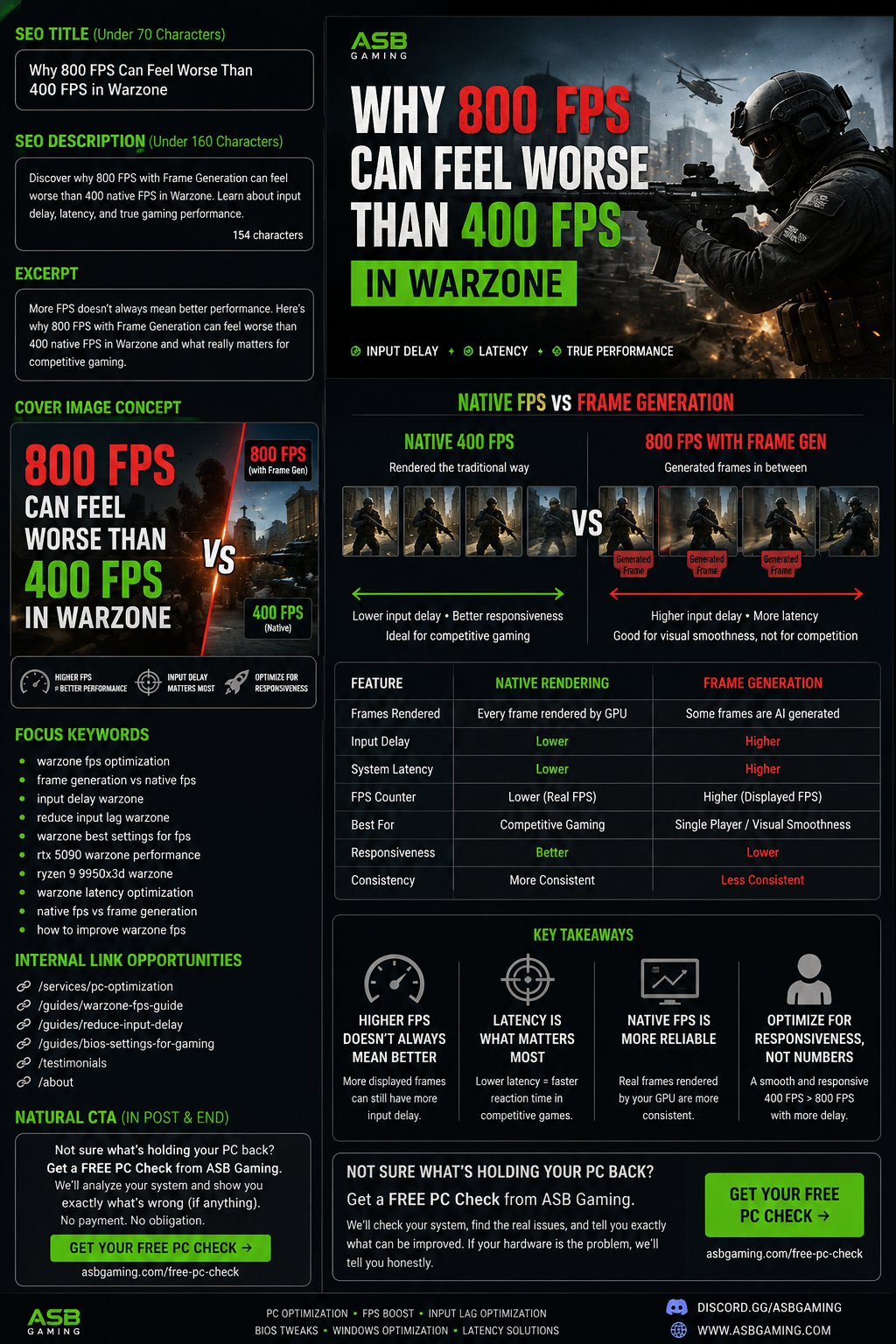
Warzone is one of the most demanding competitive games right now, and many players struggle with low FPS, stuttering, and input delay even on good hardware.
The truth is — most performance issues are caused by poor system optimization, not weak hardware.
Common Problems
Low FPS despite good PC
Sudden frame drops
Input lag and delay
Game feels “heavy”
Step 1: Clean Windows Setup
A fresh Windows installation removes:
Unnecessary background apps
Broken drivers
Hidden system conflicts
Step 2: System Optimization
Optimize:
Power plan
Background services
Startup apps
CPU priority
Step 3: GPU + Driver Tuning
Clean driver install
Proper NVIDIA/AMD settings
Shader cache optimization
Step 4: In-Game Settings
Focus on:
Competitive graphics settings
Lower latency options
Disable unnecessary effects
Real Results
Many clients go from:
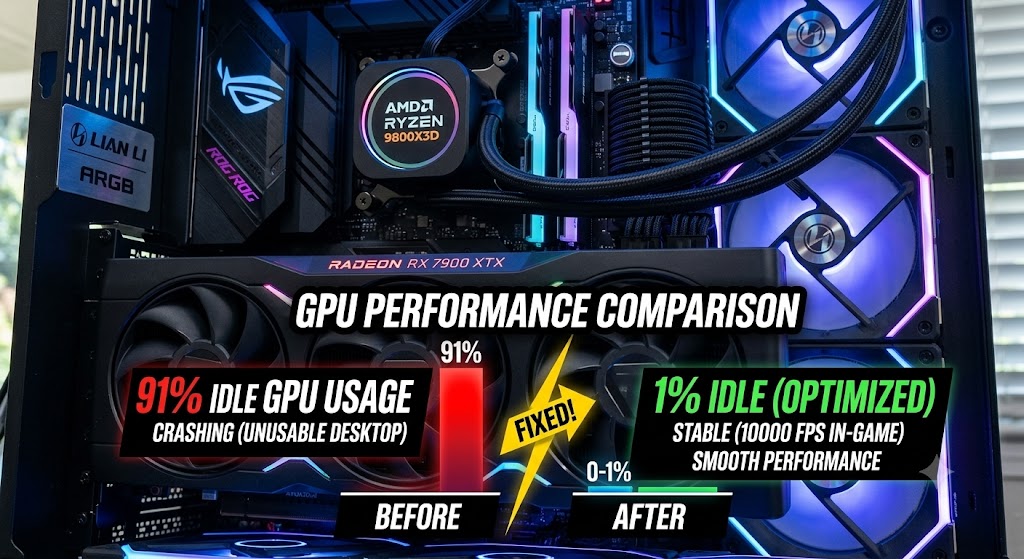
80–120 FPS → 180–250+ FPS
Reduced stutter
Smoother gameplay
Need Professional Optimization?
If you want maximum performance without wasting time, I offer full optimization services.